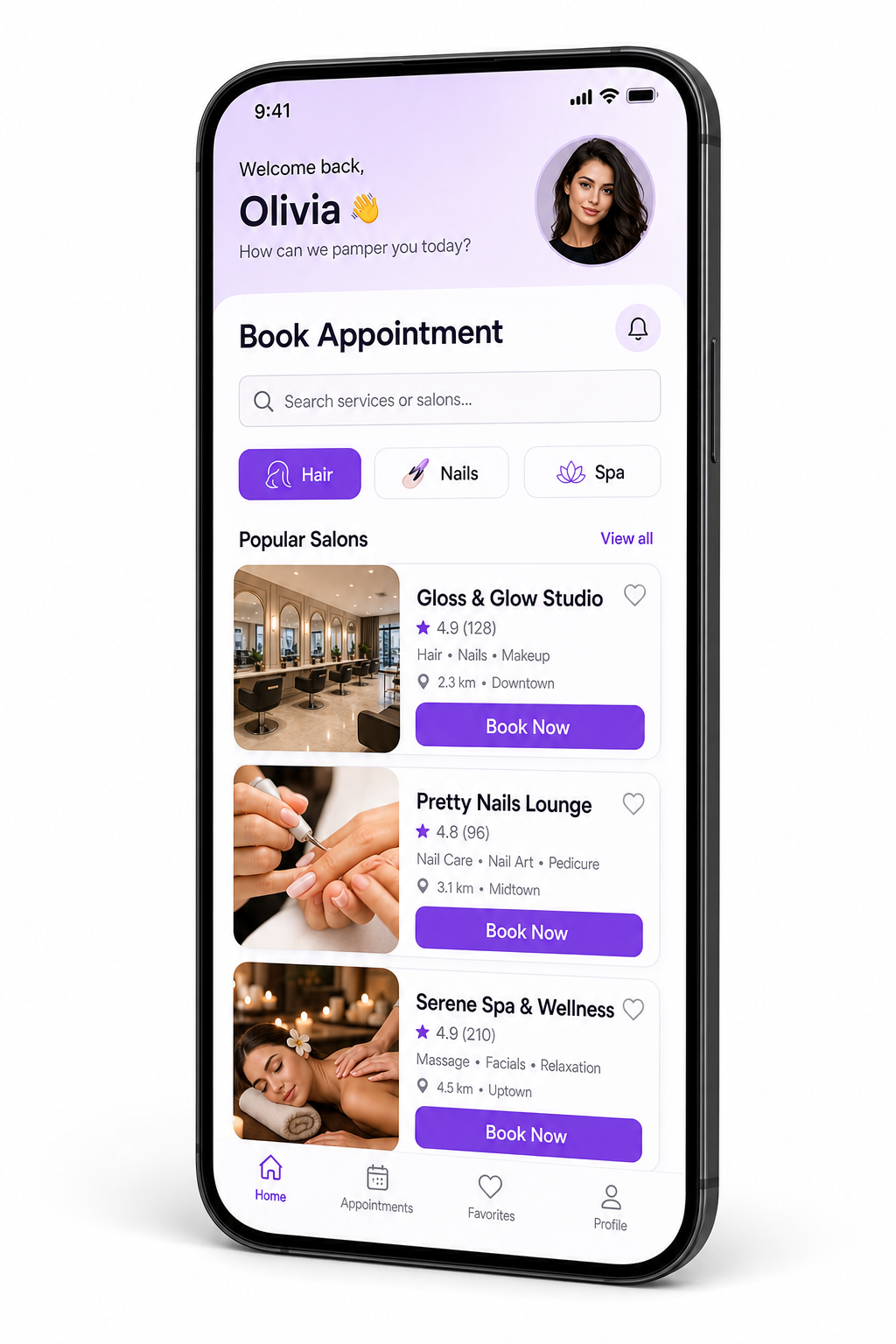
Salon management — clients, chairs & retail in one place

Run your salon: bookings, clients, POS, and stock without the spreadsheet chaos.

Catilabz is built for hair and beauty businesses: from front-desk checkout and stylist appointments to retail colour and care, team access, and clear daily performance—so owners and floor staff stay on the same page.

Services & retail POSClientsAppointmentsStaff & rolesStockInsights

Built around how salons actually work

Clients, services, products, and staff share one system—so reception, stylists, and management see the same truth: who is in the chair, what was sold, and what is left on the shelf.

Salon POS & chair-side sales

Check out services, add-ons, colour and care retail, and promotions with receipts your clients expect—built for busy reception and stylists on the move.

Clients & profiles

One client record across visits: contact details, history, and notes so reception and stylists pick up where the last appointment left off.

Appointments & calendar

Book and move slots with a calendar that keeps front desk, stylists, and chair time aligned—fewer double-books and no-shows slipping through.

Salon retail & backbar stock

Track colour lines, care products, and supplies with suppliers, goods-in, returns, and write-offs—so retail and professional use stay accurate.

Team, roles & salon settings

Onboard staff with the right access, manage company and branding settings, and use WhatsApp-style templates for client comms—owners stay in control.

Performance & cash visibility

Invoices, sales and cash reports, expenses, and dashboards that answer how the day, week, or month went—without exporting five spreadsheets.

Mobile for the salon floor

Install as a PWA on your phone: same secure login for quick POS checks, appointments, and updates between chairs.

Pricing

Indicative packages for salon operators. Final billing, currency, and tax are confirmed on your order form or invoice.

Basic

per salon / month

Single location: core salon POS, service catalog, clients, and day-to-day operations for a compact team.

Popular

Standard

per salon / month

Full appointment calendar, richer reporting, stock and retail workflows—ideal as you add stylists and chairs.

Premium

Custom

multi-site & volume

Several salons or branches, advanced needs, and optional data migration or bespoke onboarding.

How to sign in

New salons register the business first; returning staff use Sign in.

  1. 1

    Register your salon

    Use Create account with your salon name, contact details, and subscription package.

  2. 2

    Approval

    A platform administrator activates your salon. You may see a pending message until approval completes.

  3. 3

    Sign in

    Sign in with your email and password. You land on the dashboard for your role—owner, reception, or stylist.

Already approved?

If you see access pending, blocked, or expired, contact your administrator. For self-hosted deployments, API URL and CORS are documented in the project README.

Mobile guide for salon teams

Add Catilabz to your phone’s home screen after sign-in: same secure session for quick checks at the chair or reception. On Android, use the browser install prompt when offered; on iPhone, use Share → Add to Home Screen in Safari.

Check appointments, ring up a sale, or look up a client between clients—no app store install required.

Deep admin and long reporting sessions are still easiest on a larger screen; the layout adapts either way.